Google Drive
Overview
Google Drive helps you create and manage documents, spreadsheets, presentations, surveys and more. With the Google Drive integration in Notion, you can share your work easily and access your documents in one place.
How to use
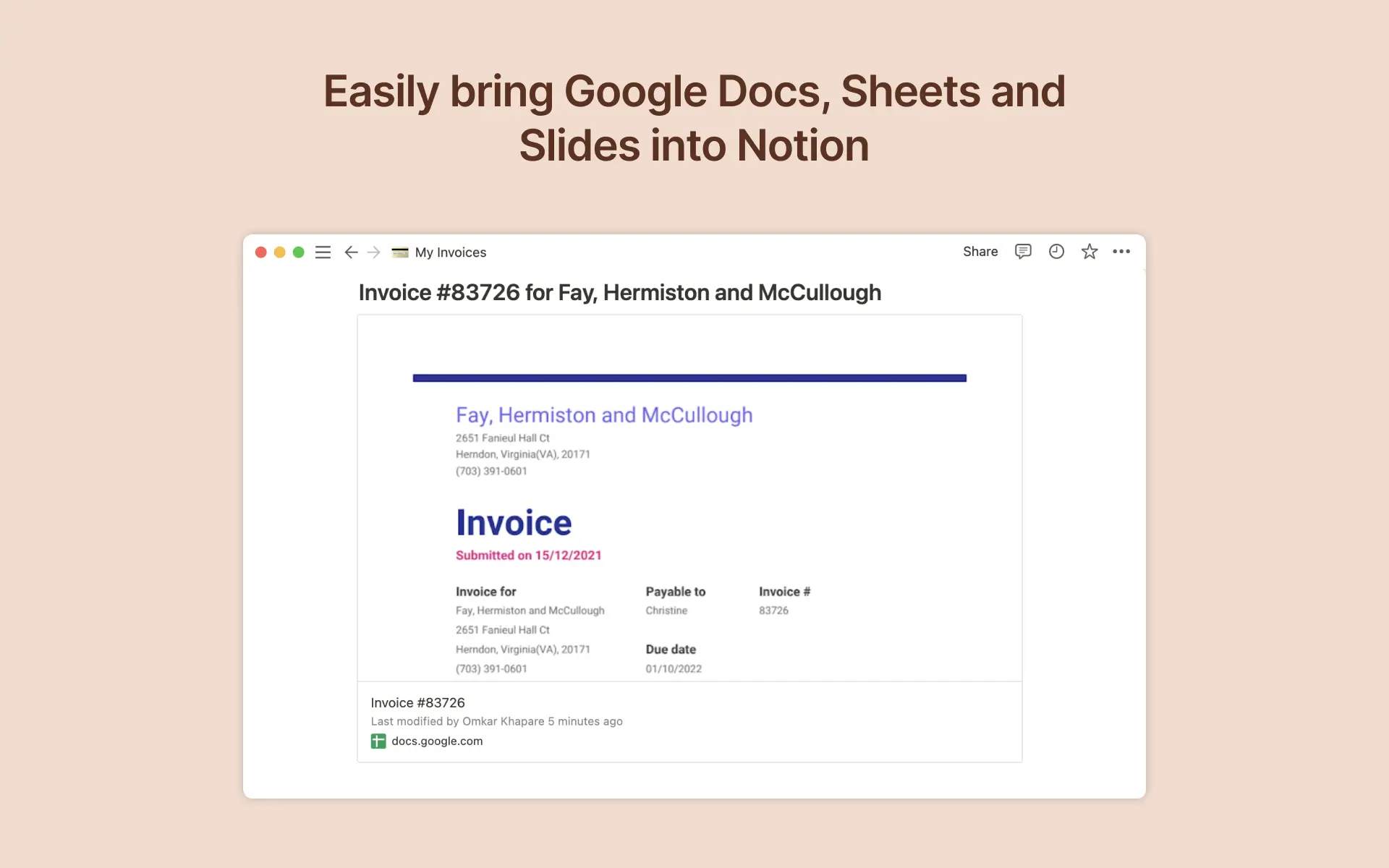
To create a preview of a Google Drive file in Notion, paste any Google Drive link into Notion, then select
Paste as preview. You can also type/googlein any Notion page and a menu will appear, allowing you to paste links and browse your Google Drive files directly from Notion. If it’s your first time using Google Drive with Notion, you will be prompted to authorize the integration. Follow the prompts to complete the authorization process. Once authorized, you will see a detailed preview of the linked contentTo link Google Drive files to items in your Notion database, just add add a new property to your Notion database by using the
+button at the top right and selectingGoogle Drive File
- 製作者:
- Notion
- 類別
- 檔案管理
- 功能
- 連結預覽
更多整合
NoteLinker
Stop losing sales context in Notion. Sync to HubSpot in 5 mins.
Document Generator by ActiveMerge
PDF Document Generator from data and templates.
Launchchat
turn doc to ai support
Generatebot
Making content creation easier with AI
DateRelay
Your Notion dates, in your calendar.
ContentCraze
Engineering UGC